PRIMACREATOR DUAL-SIDED TEXTURED PEI PLATE FOR BAMBU LAB A1 MINI
PRIMACREATOR DUAL-SIDED TEXTURED PEI PLATE FOR BAMBU LAB A1 MINI
Features:
- Excellent first layer adhesion
- Texture surface finish
- Compatibility with various filaments, particularly for PLA
PrimaCreator Textured PEI Plate for Bambu Lab A1 Mini
Introducing the PrimaCreator Dual-sided Textured PEI Plate. The ultimate upgrade for your Bambu Lab A1 Mini 3D Printer. Elevate your 3D printing experience with the PrimaCreator Dual-sided Textured PEI Sheet, engineered to deliver unparalleled first layer adhesion, remarkable durability, and effortless print removal. This innovative sheet is your key to mastering complex prints with a wide array of filaments, offering a seamless, superior printing journey from start to finish.

Excellent first layer adhesion, enhanced durability
After optimizing the PrimaCreator Texture PEI sheet production process, the sheet’s durability is enhanced. In addition, the adhesion between prints and the sheet is significantly improved, eliminating the need for adhesives. *In some situations, glue is needed for very specific filaments
Self-release once cooled
PEI is an excellent material for 3D printing applications due to its ability to withstand the repeated heating and cooling cycles of a printer's heated bed. Prints detach easily when the heated bed's temperature reaches room temperature, and we always recommend waiting until it reaches 35 ℃ or lower. If the print is still adhering to the plate, simply bend the steel plate and the model will fall right into your hands.

Textured surface finish
The PrimaCreator Texture PEI plate offers a one-of-a-kind first layer surface. Through the application of a powder-coating process, this PEI build plate creates a robust texture that adds consistency to your prints.
Compatibility with various filaments, particularly for PLA
PEI enables printing with common materials such as PLA, TPU, PETG, and PVA.*Apply liquid glue or a glue stick to prevent the sheet from tearing if printing with a non-PLA filament.

Installation steps
- Step 1: Align the plate to the fixed points of the platform with the plate name facing you.
- Step 2: Lower the plate and attach it to the magnetic platform.

Recommended settings
Please note that other slicer settings may need to be adjusted based on the printed model and filament requirements.

Considerations
- Increasing the heated bed temperature improves filament adhesion to the build plate. Users can adjust the heated bed temperature or apply glue if additional adhesion is needed.
- During the printing process, dust and grease on the surface of the print bed can negatively affect material adhesion. It is recommended to regularly clean the surface with detergent and water to remove any dust or grease residue first. If that doesn't work, wipe the surface with alcohol.
- Wait for the build plate to cool down completely to avoid damage to the plate and prints when removing printed parts.
- Do not clean the plate with acetone as it will damage the PEI surface.
- Carefully sanding the surface with fine-grit sandpaper (600 grit recommended) can help restore adhesion.
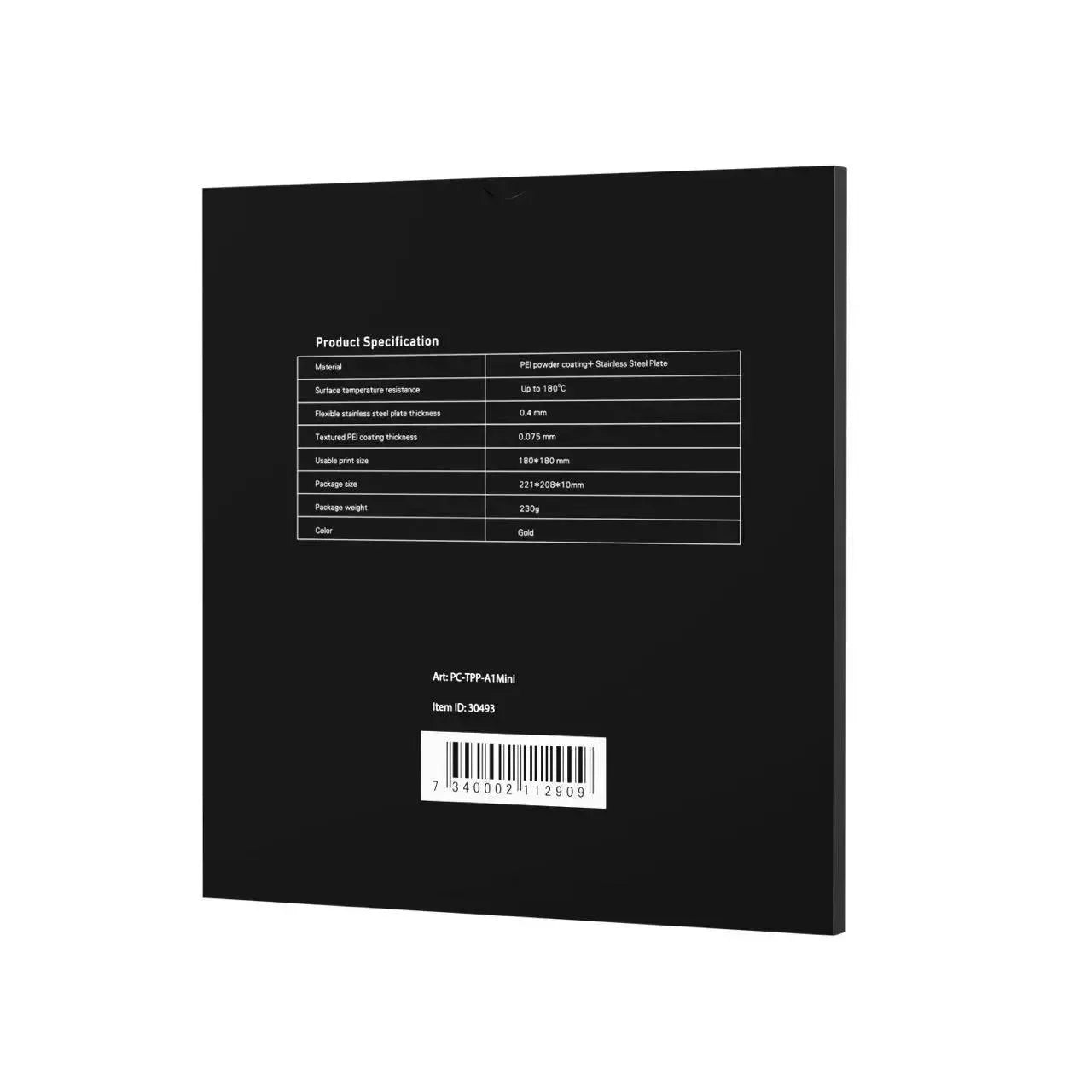
Product specifications
- Material: PEI powder coating + stainless steel plate
- Surface temperature resistance: up to 180 ℃
- Stainless steel flexible plate thickness: 0.4 mm
- Textured PEI coating thickness: 0.075 mm
- Usable print format: 180*180 mm
- Package dimensions: 208*221*10 mm
- Package weight: 230 g
- Color: gold